
Magazine Cover Layout Idea: How I Made This Aesthetic Edit in HuePhoto
Little moments that matter: morning light on a desk, cozy shadows, and candid reflections.
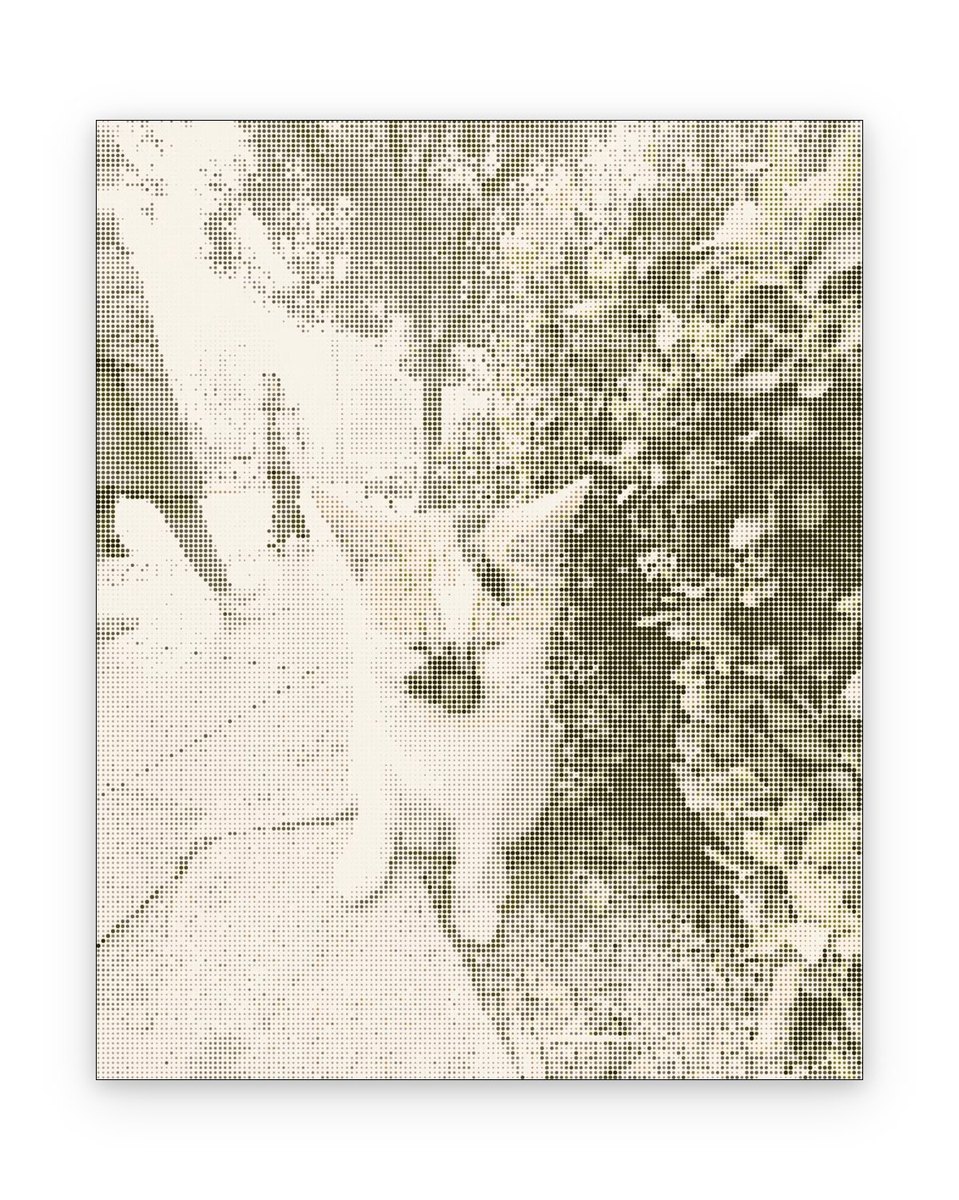
Color Palette
I was looking back through my camera roll this morning and stumbled upon this capture. I immediately opened **HuePhoto** to craft an aesthetic layout around it—and I'm genuinely thrilled with how clean and expressive it turned out.
What makes this look special is the effortless harmony between the warm neutral beige & gentle slate grey. Instead of cluttering the image with heavy effects, the focus is placed on framing the subject like a museum card or an art publication page.
If you've got everyday photos sitting unused on your iPhone, here is the exact recipe and thought process so you can recreate this aesthetic in seconds.
🎨HuePhoto Design Recipe
Lifestyle Moodboard Snapshot
Soft Film Emulsion + Gentle Highlights
Warm Neutral Beige & Gentle Slate Grey
Casual Handwritten Note Accent
How to Recreate
Import & Crop
Import an everyday snapshot of your desk, pets, or morning sun.
Apply Template
Apply the Lifestyle Moodboard frame with clean paper borders.
Fine-tune & Export
Add a short mood quote or timestamp before saving.
📷Photography Tips
- ·Embrace casual imperfections—unmade beds, steam from tea, or angled sunlight.
- ·Lower your shooting angle to table height for an intimate first-person view.
- ·Hold your phone steady and try tapping the darker midtones to achieve natural contrast.
Turn Your Everyday Photos Into Art in Seconds
Download HuePhoto for iOS. Discover hundreds of artistic frames, film LUTs, and minimalist scrapbook templates.