
Vintage 35mm Film Idea: How I Made This Aesthetic Edit in HuePhoto
Sun-drenched vacation memories, relaxed wanderlust, and playful collage accents.
Color Palette
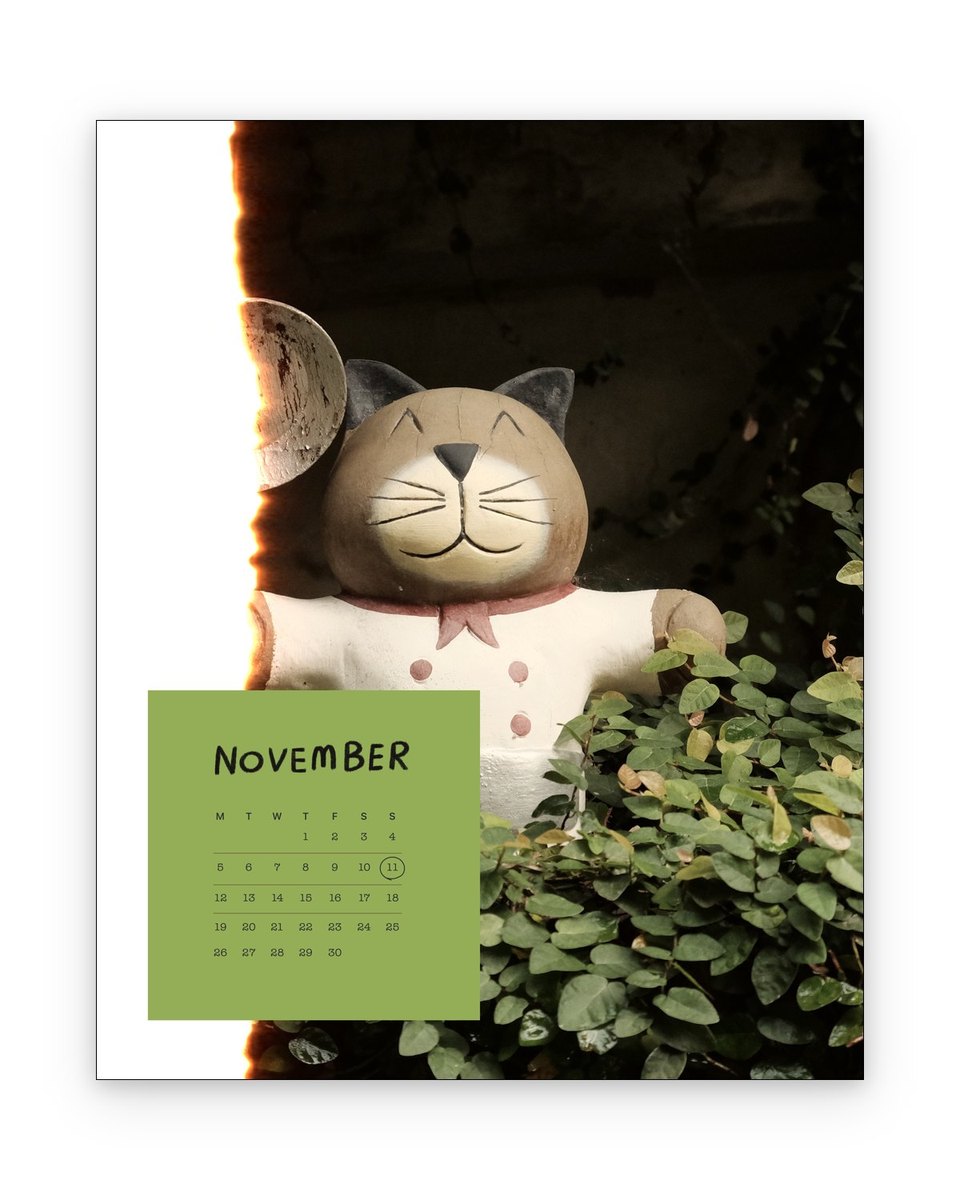
I was looking back through my camera roll this morning and stumbled upon this capture. I immediately opened **HuePhoto** to craft an aesthetic layout around it—and I'm genuinely thrilled with how clean and expressive it turned out.
What makes this look special is the effortless harmony between the sunlit terra cotta & ocean breeze slate. Instead of cluttering the image with heavy effects, the focus is placed on framing the subject like a museum card or an art publication page.
If you've got everyday photos sitting unused on your iPhone, here is the exact recipe and thought process so you can recreate this aesthetic in seconds.
🎨HuePhoto Design Recipe
Wanderlust Travel Journal Spread
Kodak Gold Warmth + Gentle Fade
Sunlit Terra Cotta & Ocean Breeze Slate
Handwritten Location Tag & Passport Stamp Sticker
How to Recreate
Import & Crop
Select your vacation highlight photo and open in HuePhoto.
Apply Template
Apply the Travel Journal layout with textured paper background.
Fine-tune & Export
Add your travel date and a subtle destination stamp before saving.
📷Photography Tips
- ·Natural daylight is your best friend—capture candid wide shots showing local scenery.
- ·Look for interesting architectural textures or signs that tell a story.
- ·Hold your phone steady and try tapping the darker midtones to achieve natural contrast.
Turn Your Everyday Photos Into Art in Seconds
Download HuePhoto for iOS. Discover hundreds of artistic frames, film LUTs, and minimalist scrapbook templates.